

Print & placement
Make a wedding QR card guests will actually notice.
Plan the wording, print size, contrast, table position, and scan test before the room fills up.
Read the QR card guide
One shared disposable camera for your whole event. Guests join by QR, and the film develops after the night.
Hosting on Android? Get it on Google Play
Free to install, with optional in-app purchases. Guests can join in their browser.
How it works

 Create a film
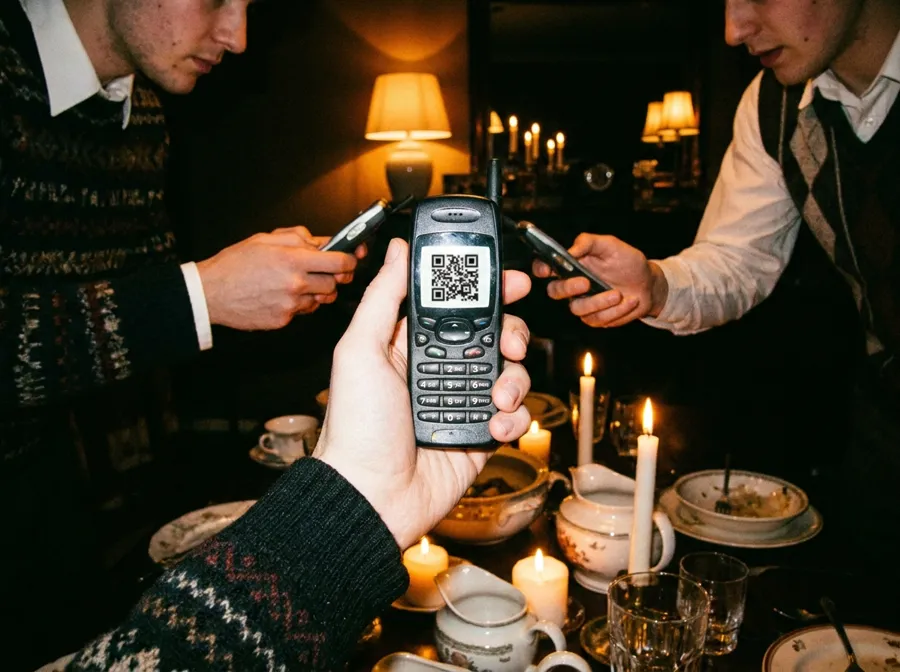
Name it, pick the occasion, and choose when it should develop.
 Toss the camera
Put the QR code on a table. Guests are shooting in seconds, no app, no account.
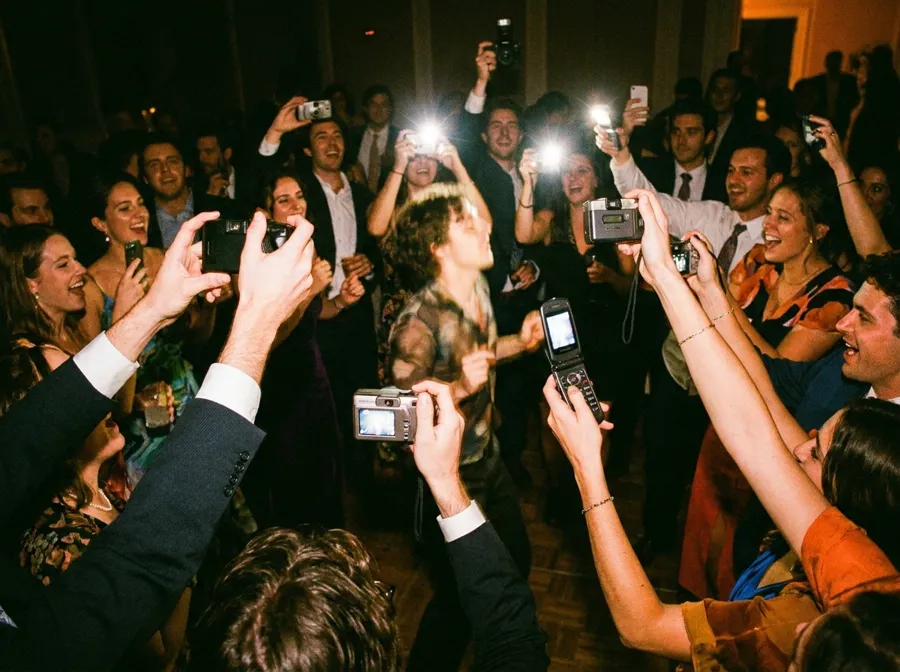
 Shoot together
Every shot lands on one shared roll, hidden from everyone until it develops.
Finished sample films
Open two read-only films to see how guest viewpoints gather into one shared story.
Afterglow Garden Party
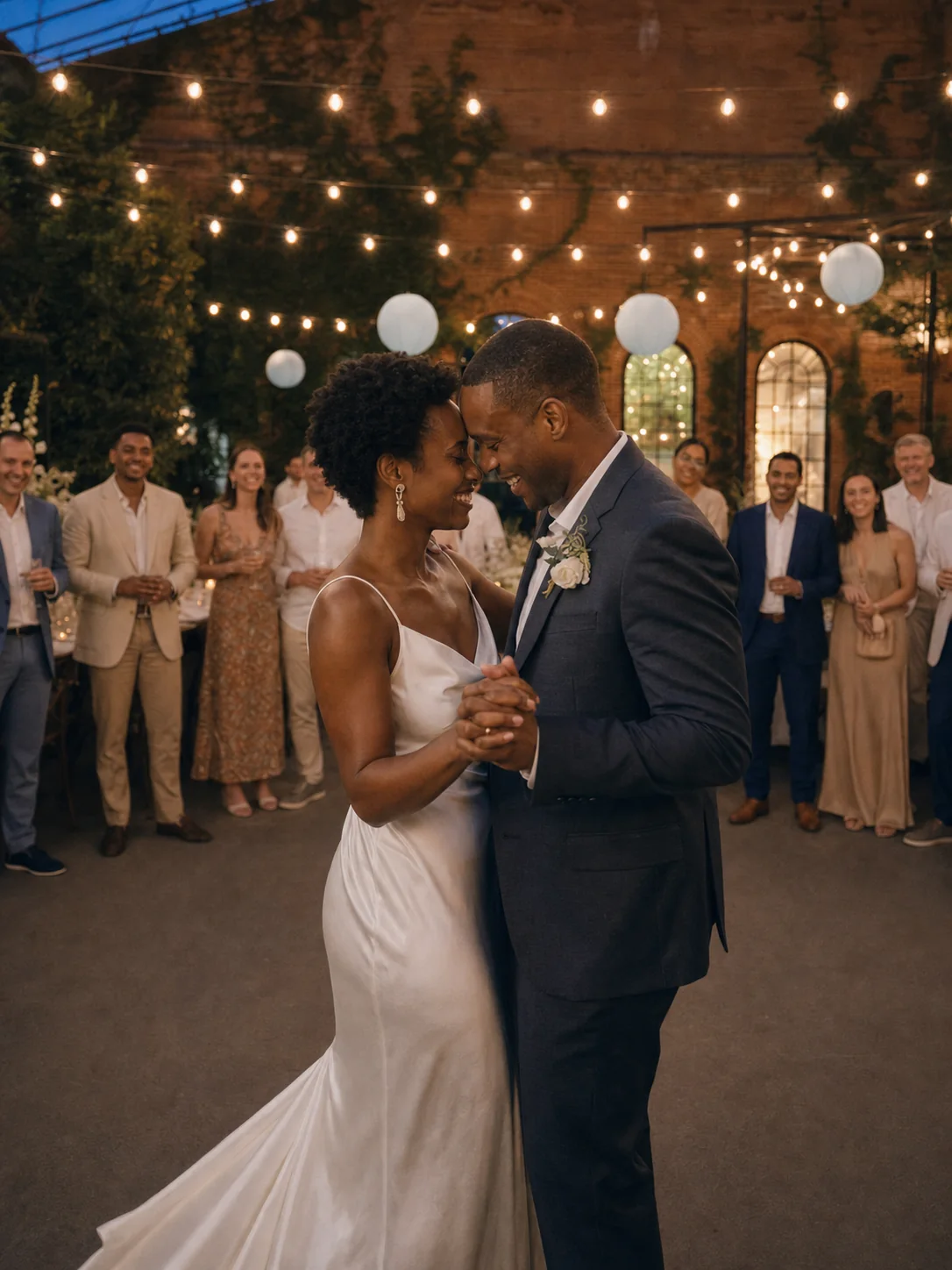
Sample · read onlySee the room, then step into the two guest viewpoints captured at that exact moment. Eight original photos show how one evening becomes everyone’s film.
Open Afterglow Garden Party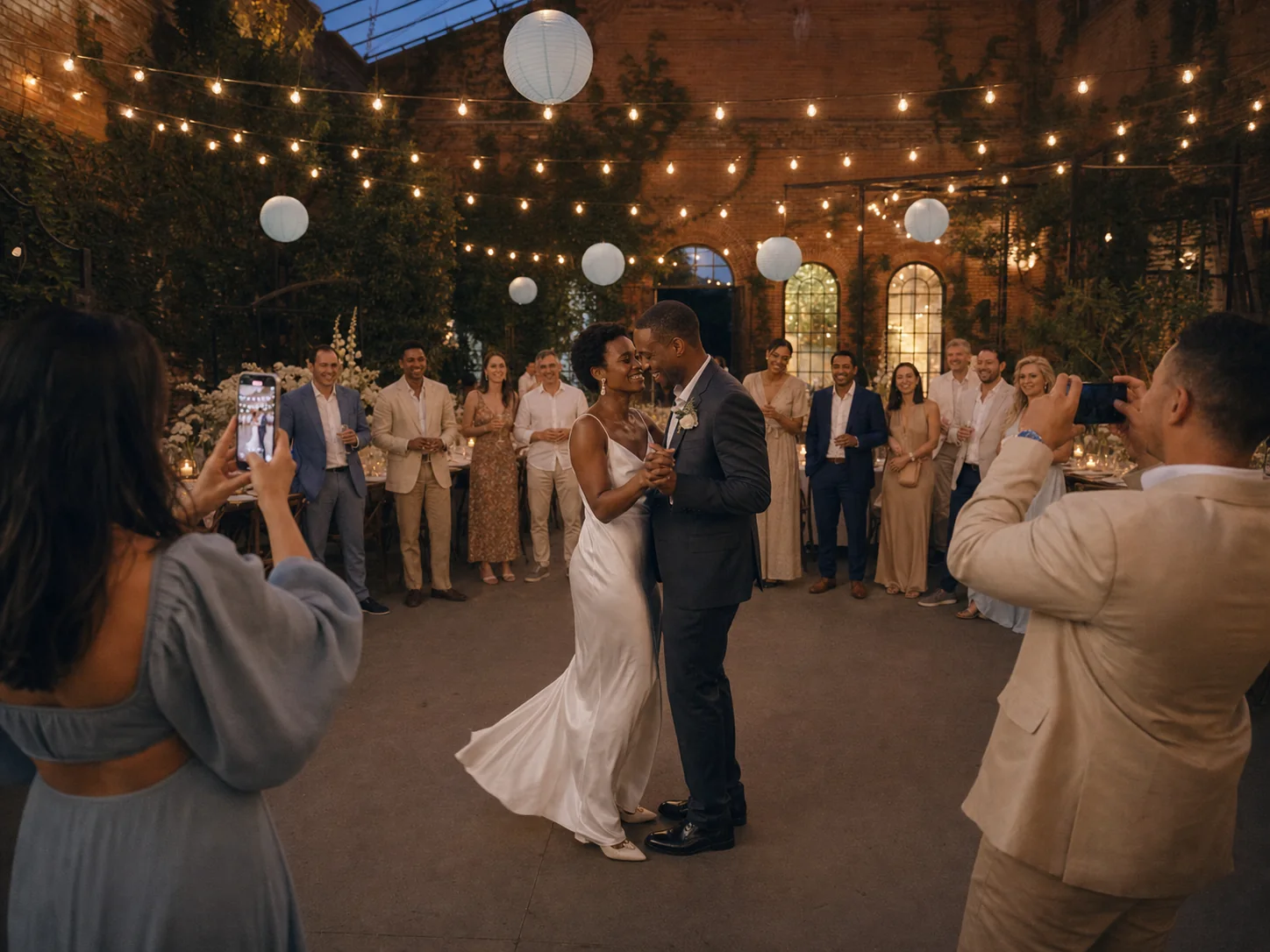

Zara's Sunny Park Party
Sample · read onlyOne sunny afternoon, ten points of view
Open Zara's Sunny Park Party


Toss Cam field guide
Practical notes for setting up the QR code, choosing a reveal, and making the rules clear to everyone holding the camera.
Print & placement
Plan the wording, print size, contrast, table position, and scan test before the room fills up.
Read the QR card guideReveal timing
Compare a live reveal, a morning-after album, and a longer delay without losing the energy of the event.
Compare reveal optionsPrivacy & consent
Use a straightforward event checklist for visibility, downloads, photo removal, and photographing other people.
Open the privacy checklistWhy share one camera?
A hired photographer can frame the important scenes. Guests also notice the in-between ones: the table that starts laughing, the friend fixing a button, and the last people still dancing. A shared event camera gives those points of view one place to land.
The host creates a film and shares one QR code or link. Guests open the camera in their phone browser without creating an account, then add a limited number of photos to the same roll. The limit encourages people to choose a moment instead of filling the album with repeated bursts.
The host decides when the camera closes, when the film develops, who can see the finished album, and whether guests can download it. Once capture has ended, the invitation no longer accepts new photos. The event can be present first and relived together later.
A single QR code or link replaces separate message threads and upload requests.
The host chooses how many exposures each guest camera holds before the event begins.
Photos can stay sealed during the event and arrive as one shared album afterward.
Good to know
Five practical answers for hosts and guests. More setup help is available in the Help centre.
No. Guests scan the film’s QR code or open its invitation link in a phone browser. They choose a display name and allow camera access, but they do not need to install the app or create an account.
The host chooses the number of exposures on each guest camera when creating the film. A fixed roll keeps the experience intentional and gives everyone the same starting allowance.
The host chooses the reveal timing. Photos can remain sealed while the camera is open and appear together after the event, or the host can reveal the film sooner from its management screen.
New guests can no longer join the camera or upload photos after the scheduled capture window ends or the host closes the film. Access to the developed album follows the visibility settings chosen by the host.
Yes. The host can remove an individual photo and download the developed album. Guest downloading can be switched off, and album viewers can report a photo that needs attention.
Ready when you are
Set up the film, share one QR code, and let everyone else find the moments.